

Interactive story · 12 min
A TalentCards alternative for richer learning and a complete employee journey
Keep lessons focused and connect them into a wider programme. CapoFine combines mobile-first learning, interactive stories and assessments with the people and activities that support employees.
Why choose CapoFine?
Choose CapoFine when employees need structured pathways, interactive stories and assessments alongside the meetings, buddy activities and goals of onboarding.
Give short lessons a clear place in the pathway
A focused lesson can teach one idea without losing the wider learning objective. Grow lets authors build chapters and connect them into courses and pathways. Start with approved company material, use AI-assisted creation where useful, and decide what an employee needs to understand before moving to the next topic.
Add stories, questions and puzzles to help employees work with the material. Use a formal assessment when the pathway needs a pass score, retries and a completion certificate. Grow is mobile-first, so the programme can fit the devices employees use. Offline access and QR-based entry remain specific Custom requirements rather than assumed equivalents.
- Build focused chapters inside structured pathways.
- Combine stories and practice with formal assessments.
- Design around the employee’s device and access needs.

Introduce the company through people and activities
New employees need to learn who can help them, how the company works and what happens next. Onboard combines company discovery with practical tasks, meetings and communication. Include an interactive story, a Who Is It activity or a daily mission alongside the introductions and preparation that the employee needs.
Buddy matchmaking and People Finder support those connections. Manager-approved goals give the first months a direction, with reminders and progress visible to the people responsible. Suite rules can assign Grow learning from onboarding events, so short lessons form part of the welcome and continuing development rather than arriving without a surrounding plan.
- Include stories, puzzles and optional discovery missions.
- Coordinate buddies and manager check-ins.
- Assign learning as the onboarding journey progresses.
Build a continuing programme around completion
Learning that continues after onboarding needs an owner, an audience and a reason to return. Grow supports recurring assignments, access windows and completion windows for the relevant roles, teams, departments or locations. Use these to schedule the material employees need to revisit as part of their role.
Points, badges, streaks and milestones make progress visible within the learning experience. Reports show participation and completion, while formal assessments record the configured result. Surveys gather feedback separately. Scheduled assignments and adaptive spaced repetition are different approaches; the CapoFine programme should be designed around its own learning objectives and assignment rules.
- Schedule focused refresher assignments.
- Track progress, results and completion.
- Keep practice, reinforcement and formal assessment distinct.

CapoFine vs TalentCards
Ten key features to compare when choosing your TalentCards alternative.
| What matters to your team | CapoFineHire · Onboard · Grow | TalentCardsProduct offering |
|---|---|---|
| Short mobile lessons | Included Build short Grow chapters with questions and interactive activities. | Available Multimedia flashcards with quizzes. |
| AI-assisted authoring | Included Grow helps authors create learning modules with AI. | By plan or module AI generates cards, visuals and quizzes. |
| Knowledge checks | Included Grow separates practice questions from final assessments. | Available Quizzes and short-answer questions. |
| Gamification | Included Grow includes points, badges, streaks, levels, rewards and leaderboards. | Available Challenges, badges and leaderboards. |
| Offline access | Custom scope Offline delivery requires Custom feasibility; the Grow experience is mobile-first. | Available Download card content before going offline. |
| QR access to learning | Custom scope QR entry workflows require Custom feasibility. | Available Each course has a QR entry point. |
| Learning reinforcement | Included Scheduled recurring assignments repeat learning; adaptive spaced repetition requires Custom feasibility. | Available Adaptive spaced repetition revisits material learners find difficult. |
| Onboarding tasks and goals | Included Onboard assigns stakeholder tasks, schedules check-ins and tracks manager-approved goals. | Not confirmed How are manager check-ins, buddy tasks and onboarding goals coordinated? |
| Applicant tracking | Included Hire manages vacancies, candidates, interviews and post-interview feedback. | Not confirmed Does your package include applicant pipelines, interview scheduling and post-interview feedback? |
| Learning from onboarding events | Included Suite rules assign Grow learning from events across Hire, Onboard and Grow. | Not confirmed Which onboarding events can trigger learning assignments in your configuration? |
What can your team do with each?
Look beyond the feature names. Compare the work you want to bring together.
CapoFine
Our recommendationBuild short Grow chapters, then connect them into pathways with stories, puzzles, assessments and certificates. Onboard adds company discovery, buddy support and manager goals; Hire covers recruitment. Suite rules and recurring assignments keep the programme connected. Offline delivery and QR workflows require Custom feasibility.
- Short lessons need to form a structured role pathway.
- Employees need stories and formal assessments.
- Company discovery involves colleagues and activities.
- Managers need goals alongside employee learning.
- HR wants recruitment, onboarding and development together.
TalentCards
TalentCards fits deskless teams needing flashcards close to the job. Offline downloads, QR entry points and spaced repetition support quick reference and reinforcement during work.
- Workers need flashcard reference during the job.
- Downloaded offline content is essential.
- QR access and adaptive spaced repetition drive adoption.
Platform2:18 film
Connect hiring, onboarding and learning.
See how Hire, Onboard and Grow share employee context across the journey.
Watch video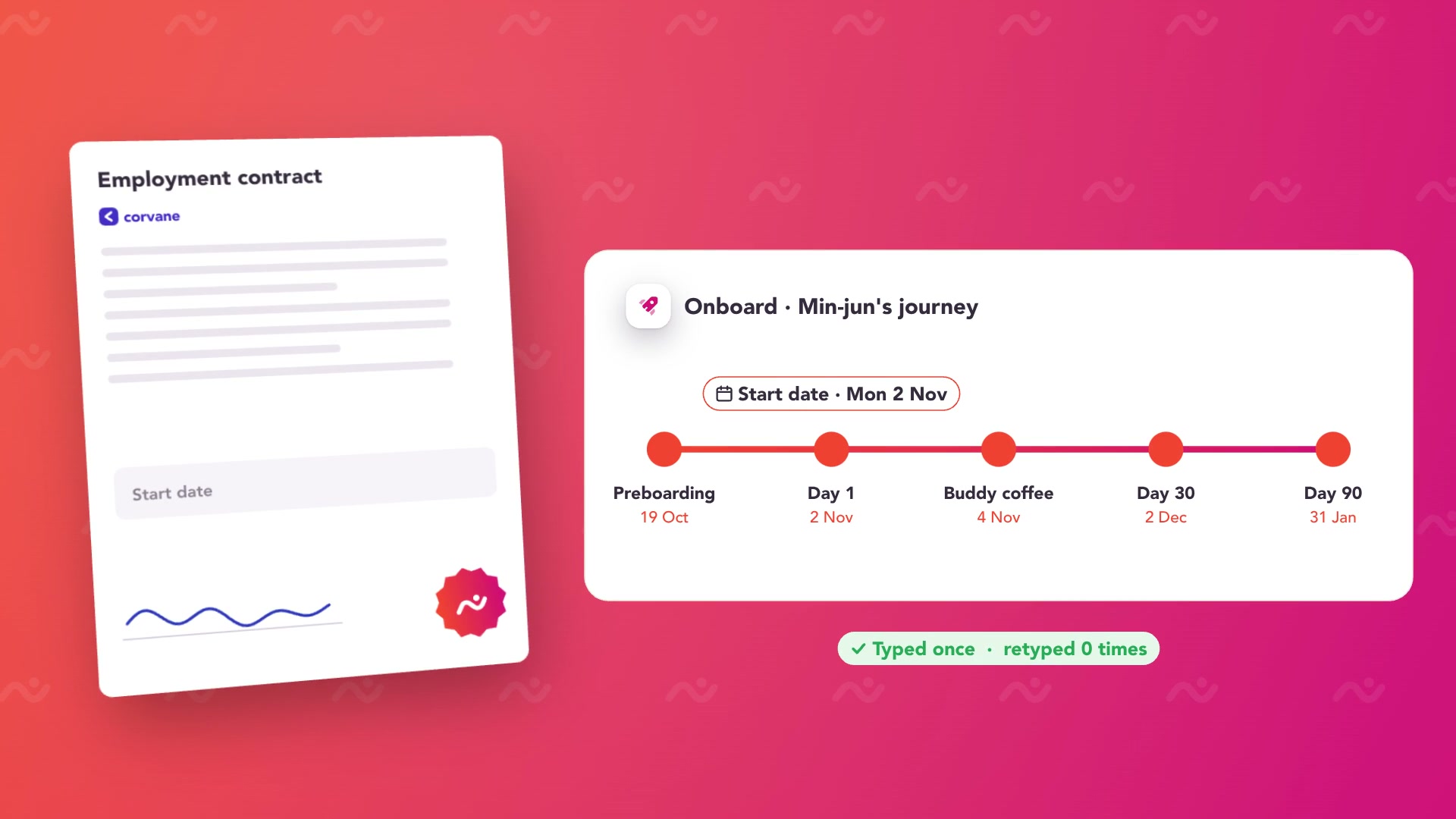 Play Platform overview
Compare the whole cost.
A free tier, paid user-based Standard and Premium subscriptions with monthly or annual billing, and custom enterprise scope. Count enabled app learners carefully; deactivation and login activity are different measures.
Your CapoFine package
Choose Hire, Onboard or Grow for the work you need today, or bring them together in the Suite. Your proposal covers capacity, migration, implementation and any optional services.
See CapoFine pricingReady to switch
to CapoFine?
Review how each TalentCards set is used before rebuilding it. Some material is quick reference during work; other material belongs in a longer learning pathway. Preserve the learning records and identify access requirements, especially offline downloads and QR codes placed in the workplace.
Plan your move with usExplore security and data handlingMap cards to learning objectives
List card sets, supporting media, quizzes and the employees who use them. Identify quick-reference material separately from training that needs completion evidence. Record any printed QR codes and offline usage requirements so the move accounts for access during the working day.
Build and try a focused pathway
Rebuild one topic as short Grow chapters with appropriate practice and assessment. Try it on the phones and network conditions employees use. Put offline delivery and QR entry through Custom feasibility, and add any buddy or manager activity that supports the learning.
Replace access points deliberately
Preserve required results and tell employees where the new learning lives. Review physical QR locations and reference instructions before changing them. Set audiences and refresher assignments in Grow, then expand the programme after the content owner and employee group have reviewed the experience.
Bring these to your demo
- Card sets, media, questions and learning objectives.
- Completion records and employee audience groups.
- Offline usage needs and existing QR-code locations.
More about CapoFine vs TalentCards
Can Grow support short mobile lessons?
Yes. Grow courses contain chapters, questions and interactive activities. Keep each chapter focused and use a pathway to connect the wider learning sequence. Grow provides a mobile-first experience for employees.
Does Grow have the same offline and QR behaviour?
Those requirements need Custom feasibility. Identify what must work without a connection, how progress should be retained, and where QR entry points are used. Do not assume a matching workflow from mobile-first design alone.
Can we replace spaced repetition with recurring assignments?
They are different mechanisms. Recurring Grow assignments schedule learning to be completed again; adaptive spaced repetition varies practice around the learner’s responses. Choose the approach your learning objective needs and address any specialised repetition logic separately.
How can we preserve short reference material?
Keep the original text and media, identify who maintains it, and decide where employees will find it during work. A reference item and an assessed course may use the same source material while serving different purposes.
Can a pathway include a final assessment?
Yes. Grow supports final assessments, pass scores, retries and completion certificates. Practice questions and discovery activities remain distinct from the formal assessment, so employees understand what is being measured.

Come see what your team could do with CapoFine.
Bring a vacancy, a new starter or a learning challenge. We’ll show you how it works.
Book a demo