

Interactive story · 12 min
A Moodle Workplace alternative for learning with clear employee journey ownership
Build company learning, coordinate the first months and keep development moving. CapoFine combines interactive Grow pathways with the people and activities in Hire and Onboard.
Why choose CapoFine?
Choose CapoFine when your learning programme also needs an employee journey, with manager meetings, buddy support, company discovery and goals alongside Grow courses.
Design learning around the employee’s role
Start with what employees need to understand about the company and their work. Grow lets authors build courses, chapters and pathways using approved material, reusable templates and AI-assisted creation. Assign the learning by role, team, department or location so each audience follows a relevant programme.
Interactive stories and scenarios put the material into context. Puzzles and questions support practice, while a formal assessment can add pass scores, retries and a completion certificate. Keep the learning objective visible as the course develops, and give the content owner responsibility for reviewing examples and maintaining the material when the role changes.
- Create native Grow courses and role pathways.
- Use stories, scenarios and interactive practice.
- Separate formal assessment from discovery activities.

Give onboarding work a place beside the course
The employee’s first weeks need manager conversations and practical preparation with clear ownership. Onboard gives HR a journey builder for those responsibilities. Include meetings, communications, tasks, files and goals, with owners, deadlines and reminders attached to the work.
Add company discovery, buddy activities and People Finder so the employee can get to know colleagues as well as procedures. The journey covers preboarding through the first 90 days. Connect its events to Grow assignments and use the Hire handoff to carry the employee into the next stage of the Suite.
- Coordinate employee and stakeholder activities.
- Include buddies and manager-approved goals.
- Connect the hired employee to their onboarding journey.
Run repeat learning with a clear record
A continuing learning programme needs both assignment rules and evidence of completion. Grow supports recurring learning, audience targeting and scheduled access and completion windows. Define the topics that need repeating and the employees who should receive them, with a training owner responsible for that schedule.
Progress reports, assessment results and completion certificates give the team a record of participation. Surveys and NPS capture feedback separately from those results. Keep your retention needs explicit when changing systems, and use Custom feasibility for specialised course standards, separate external portals or workflows that depend on a particular Moodle plugin.
- Schedule recurring learning for relevant audiences.
- Track completion and formal assessment results.
- Retain historical evidence through an agreed migration.

CapoFine vs Moodle Workplace
Ten key features to compare when choosing your Moodle Workplace alternative.
| What matters to your team | CapoFineHire · Onboard · Grow | Moodle WorkplaceProduct offering |
|---|---|---|
| Learning programmes | Included Build courses, chapters and pathways in Grow. | Available Groups courses and content into programmes. |
| Recurring learning | Included Grow supports scheduled recurring learning and refresher assignments. | Available Programmes can renew on a validity cycle. |
| Automatic learning assignment | Included Grow assigns audiences by role, team, department and location. | Available Dynamic rules automate enrolments and certification allocations. |
| Completion certificates | Included Grow issues completion certificates. | Available Designs, issues and verifies digital certificates. |
| Learning reports | Included Track learner progress and course completion in Grow. | Available Report builder supports scheduled distribution. |
| Separate learning environments | Custom scope External academies and multiple portals require Custom feasibility. | Available Tenants separate organisational structures and permissions. |
| Mobile learning | Included Grow provides a mobile-first learner experience. | Available A dedicated Workplace app supports learning. |
| Onboarding tasks and goals | Included Onboard assigns stakeholder tasks, schedules check-ins and tracks manager-approved goals. | Not confirmed How are manager check-ins, buddy tasks and onboarding goals coordinated? |
| Applicant tracking | Included Hire manages vacancies, candidates, interviews and post-interview feedback. | Not confirmed Does your package include applicant pipelines, interview scheduling and post-interview feedback? |
| Learning from onboarding events | Included Suite rules assign Grow learning from events across Hire, Onboard and Grow. | Not confirmed Which onboarding events can trigger learning assignments in your configuration? |
What can your team do with each?
Look beyond the feature names. Compare the work you want to bring together.
CapoFine
Our recommendationBuild role-specific Grow pathways with stories, puzzles and formal assessments. Onboard coordinates meetings, stakeholder tasks and manager-approved goals, while Hire handles recruitment. Suite events connect learning assignments across the journey, and recurring training keeps refreshers in the programme. Tenant and plugin requirements remain Custom work.
- HR wants learning and onboarding in one employee programme.
- Manager and buddy activities need named ownership.
- Company discovery should include stories and puzzles.
- Course assignments should follow onboarding progress.
- Recruitment and development share a people-team owner.
Moodle Workplace
Moodle Workplace fits teams needing configurable programmes, recurring certifications, reporting and separate tenants. It is a licensed workplace product, distinct from the open-source Moodle LMS download.
- Learning administration depends on configurable programmes.
- Separate tenants are a core requirement.
- A partner-managed Moodle environment and plugins fit the organisation.
Platform2:18 film
Connect hiring, onboarding and learning.
See how Hire, Onboard and Grow share employee context across the journey.
Watch video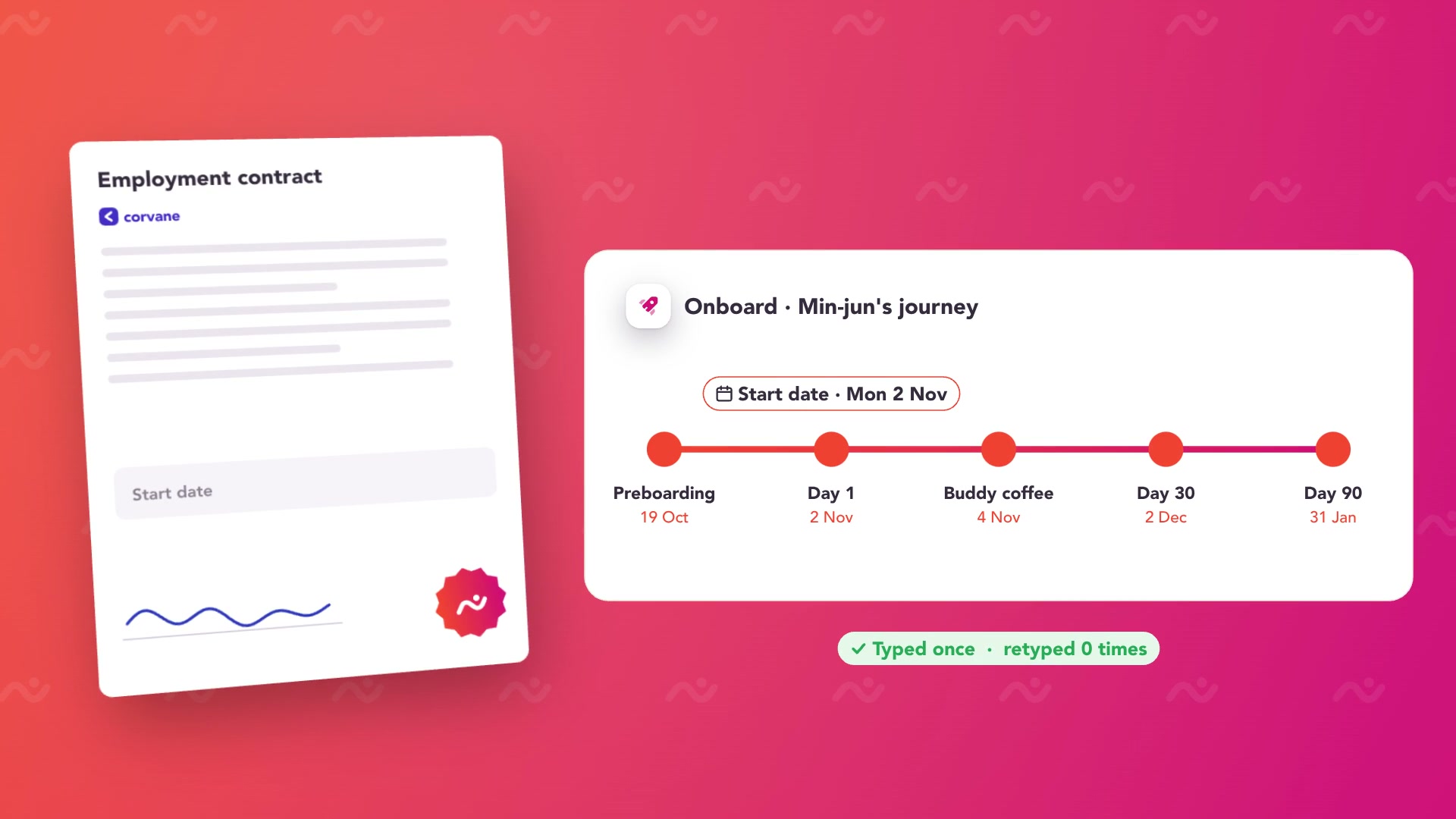 Play Platform overview
Compare the whole cost.
Licensed through Moodle's certified partner and service-provider network, with pricing based on required hosting and services. This is separate from the open-source Moodle LMS product.
Your CapoFine package
Choose Hire, Onboard or Grow for the work you need today, or bring them together in the Suite. Your proposal covers capacity, migration, implementation and any optional services.
See CapoFine pricingReady to switch
to CapoFine?
Identify the exact Moodle product and configuration before planning the move. Moodle Workplace, Moodle LMS and their hosting arrangements are different starting points. Preserve the content, records and rules your organisation needs, then design the employee programme you want to run in CapoFine.
Plan your move with usExplore security and data handlingDocument the current environment
Record the Moodle product, version, hosting provider and plugins that affect learning. Map programmes, tenants, enrolment rules and administrator permissions. Preserve course sources, results and certificates, including renewal dates and any history that your organisation must retain after the move.
Rebuild a representative programme
Choose one organisational unit and a pathway that reflects your real learning needs. Build its Grow content and related Onboard activities. Review course standards and required plugin behaviour through Custom feasibility; a Moodle backup should not be treated as a ready-to-import Grow package.
Check ownership and continuity
Verify the audiences, access permissions, results and recurring assignments for the new programme. Agree who maintains content and how historical evidence stays accessible. Extend the move after the learning owner and HR owner have reviewed their work, with specialist tenant requirements addressed separately.
Bring these to your demo
- Moodle product, version, plugin and hosting inventory.
- Programme, tenant and enrolment-rule mappings.
- Original learning material, results and certificates.
More about CapoFine vs Moodle Workplace
Is this comparison about the free Moodle LMS download?
No. It focuses on Moodle Workplace, the licensed workplace offering. Moodle LMS is a separate open-source product, and its hosting, plugins and support arrangements need their own comparison.
Can CapoFine import a Moodle backup?
A Moodle backup is not a promised Grow import format. Review source content and learning records separately. SCORM, xAPI and required plugin equivalents need Custom feasibility using representative material and workflows.
Can we keep multiple learning tenants?
External academies and multiple portals require Custom feasibility. Identify the audiences, branding, permissions, administration and reporting boundaries that must be preserved rather than assuming a tenant-for-tenant replacement.
Does Grow support recurring learning?
Yes. Grow supports recurring assignments with audience targeting and completion windows. Define the new schedule and evidence requirements, while preserving the historical certification records your organisation needs.
Who maintains the learning after migration?
Your organisation should name the content owners, training administrator and onboarding owners. Grow provides the learning tools and records; Onboard coordinates the surrounding activities. The implementation agreement should identify migration work, integrations and any continuing service responsibilities.

Come see what your team could do with CapoFine.
Bring a vacancy, a new starter or a learning challenge. We’ll show you how it works.
Book a demo