

Interactive story · 12 min
An iSpring Learn alternative for learning and a coordinated employee start
Teach role knowledge through stories and scenarios, then support employees with manager goals and buddy activities. CapoFine connects learning with the wider employee journey.
Why choose CapoFine?
Choose CapoFine when development starts with a coordinated employee welcome and continues through interactive learning, manager goals and visible progress.
Build role knowledge into interactive learning
A role-specific course needs examples employees can recognise. Grow gives authors stories, scenarios, questions and puzzles for that material, supported by AI-assisted module creation. Build a pathway around approved company knowledge and use chapters to keep the learning organised around a clear objective.
Add formal assessments, pass scores, retries and certificates when the programme needs a recorded learning check. Keep those results separate from practice and discovery activities. Grow provides a mobile-first experience for employees; requirements such as offline delivery, imported course packages or a formal observed-practice checklist need to be addressed through Custom feasibility.
- Create company-specific scenarios and role pathways.
- Use clearly labelled assessments and completion certificates.
- Keep specialist delivery requirements explicit.

Make the manager and buddy part of the start
New employees need time with the people who can help them apply what they learn. Onboard schedules manager conversations, buddy activities and team introductions within the journey. Assign practical preparation tasks to their owners, set deadlines and use reminders to keep the work visible.
Manager-approved goals give the first months a direction, while employee questions and surveys provide feedback on the experience. AI Buddy supports first-line company questions and escalates when human help is needed. Connect the relevant onboarding events to Grow assignments so the learning plan follows the employee’s progress through the welcome.
- Schedule manager check-ins and buddy activities.
- Assign practical preparation to named owners.
- Connect onboarding progress to role learning.
Keep refreshers and learning evidence together
Some subjects need to remain in an employee’s learning programme after the first completion. Grow supports recurring assignments, with access and completion windows for the intended audience. Target roles, teams, departments or locations so employees receive the learning that applies to their responsibilities.
Use progress and completion reports alongside formal assessment results and certificates. Surveys collect the learner’s feedback separately. When updating the programme, keep a content owner responsible for the material and a training owner responsible for the assignment rules. Historical evidence from an earlier system should remain identifiable rather than being replaced by a new completion date.
- Schedule role-specific refresher learning.
- Track progress, results and completion evidence.
- Keep content and assignment ownership clear.

CapoFine vs iSpring LMS (formerly iSpring Learn)
Ten key features to compare when choosing your iSpring LMS alternative.
| What matters to your team | CapoFineHire · Onboard · Grow | iSpring LMS (formerly iSpring Learn)Product offering |
|---|---|---|
| AI-assisted authoring | Included Grow helps authors create learning modules with AI. | Available Creates course drafts and knowledge checks. |
| Learning tracks | Included Build courses, chapters and pathways in Grow. | Available Combines courses and assessments into tracks. |
| Observed workplace practice | Custom scope Formal observation checklists require Custom feasibility; Grow includes scenarios and assessments. | Available On-the-job training supports practical development. |
| Offline mobile learning | Custom scope Offline learning requires Custom feasibility; Grow provides a mobile-first online experience. | Available Downloads learning and synchronizes progress after reconnecting. |
| SCORM course support | Custom scope SCORM and xAPI interoperability require Custom feasibility with your course packages. | Available SCORM courses from iSpring and other tools. |
| Recurring learning | Included Grow supports scheduled recurring learning and refresher assignments. | Available Certificate expiry and automatic re-enrolment. |
| Learning reports | Included Track learner progress and course completion in Grow. | Available Course, learner and quiz reporting. |
| Onboarding milestones and support | Included Onboard assigns stakeholder tasks, schedules check-ins and tracks manager-approved goals. | Available Mentors, supervisors and onboarding milestones. |
| Applicant tracking | Included Hire manages vacancies, candidates, interviews and post-interview feedback. | Not confirmed Does your package include applicant pipelines, interview scheduling and post-interview feedback? |
| Learning from onboarding events | Included Suite rules assign Grow learning from events across Hire, Onboard and Grow. | Available Group membership can automatically assign onboarding courses. |
What can your team do with each?
Look beyond the feature names. Compare the work you want to bring together.
CapoFine
Our recommendationUse Grow for interactive role learning, formal assessments and certificates. Onboard adds buddy activities, manager conversations and goals, while Hire manages recruitment. Suite assignments and recurring learning connect the programme over time. Existing course packages, offline delivery and observed-practice workflows require their own Custom feasibility work.
- Role learning needs company-specific stories and scenarios.
- Managers need goals alongside the learning pathway.
- Buddy support should be part of onboarding.
- Learning assignments should follow employee events.
- HR wants recruitment, onboarding and development together.
iSpring LMS (formerly iSpring Learn)
iSpring LMS, formerly iSpring Learn, fits programmes that combine authored courses, observed workplace practice and offline mobile learning. Those practical delivery needs may determine whether a move makes sense.
- Existing iSpring-authored material drives the programme.
- Observed workplace practice is a central requirement.
- Employees need downloaded learning while offline.
Platform2:18 film
Connect hiring, onboarding and learning.
See how Hire, Onboard and Grow share employee context across the journey.
Watch video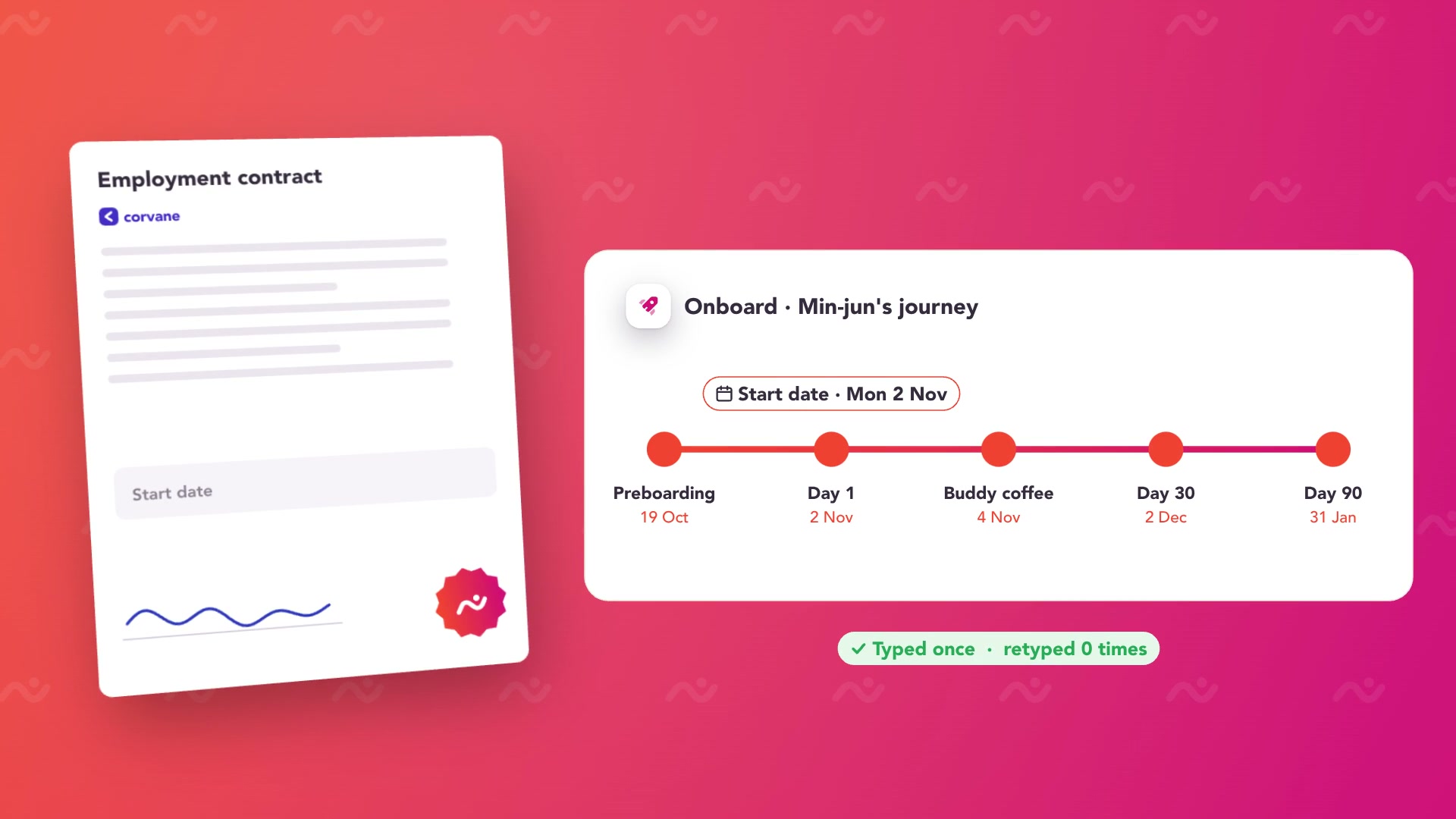 Play Platform overview
Compare the whole cost.
Subscriptions are based on monthly active users, defined as users who log in during the month. Public annual pricing covers standard bands; custom audiences and enterprise scope require discussion.
Your CapoFine package
Choose Hire, Onboard or Grow for the work you need today, or bring them together in the Suite. Your proposal covers capacity, migration, implementation and any optional services.
See CapoFine pricingReady to switch
to CapoFine?
Treat the move from iSpring LMS as a content and workflow project. Preserve original authoring material, learning records and certificate dates. Then decide which courses to rebuild in Grow and which delivery or practical-training requirements need Custom work before the programme changes.
Plan your move with usExplore security and data handlingCollect sources and practical records
Gather original authoring projects, published course packages, supporting media and assessment material. Preserve certificate dates and any workplace-practice records you need. Identify the supervisor or content owner for each programme so the learning objectives remain clear during conversion.
Rebuild and check one role
Create a representative Grow pathway using the original learning objectives. Add manager follow-up and buddy activities in Onboard. Check the actual packages through Custom feasibility if compatibility is required, and address offline or observation workflows independently of the native learning experience.
Move the programme with its evidence
Agree how historic results and certificate dates remain accessible. Set the new audiences, refresher rules and completion windows, then check the employee and manager journeys. Extend the rollout after the content owners accept the rebuilt material and the required delivery conditions have been addressed.
Bring these to your demo
- Original iSpring authoring projects and published packages.
- Learning results, certificates and practical-training records.
- Offline, supervisor and refresher requirements.
More about CapoFine vs iSpring LMS (formerly iSpring Learn)
Is iSpring Learn now called iSpring LMS?
Yes. The vendor renamed iSpring Learn to iSpring LMS. This page covers that current product while recognising the older name used by buyers.
Will our existing iSpring courses work unchanged?
Compatibility is not automatic. Bring representative course packages and original authoring files to Custom feasibility. Some material may be rebuilt as native Grow learning, while any standards-based import needs an agreed implementation.
Does Grow provide offline learning?
Grow has a mobile-first learner experience. Offline delivery requires Custom feasibility and should be treated as a specific requirement if employees need access without a connection.
Can CapoFine replace observed on-the-job training?
Grow supports scenarios and formal assessments, while Onboard coordinates manager activities and goals. A formal supervisor observation checklist or practical-signoff process requires Custom feasibility; those workflows should not be assumed equivalent to an online assessment.
Can we continue recurring refresher training?
Yes. Grow supports recurring assignments, audience targeting and completion windows. Preserve historical evidence separately and agree the new schedule, intended audience and completion requirements as part of the move.

Come see what your team could do with CapoFine.
Bring a vacancy, a new starter or a learning challenge. We’ll show you how it works.
Book a demo