A Rippling alternative for the people and learning side of onboarding

Give new hires a clear welcome around their technical setup. CapoFine connects company discovery, buddy relationships and manager goals with recruitment and continuing learning.

Sophie de Vries talking with a colleague.
Give people a first chapter worth remembering.

Why choose CapoFine?

Choose CapoFine to organise the employee experience around technical preparation, with recruitment, company discovery, manager involvement and continuing learning in the same Suite.

Make the first weeks clear to the person joining

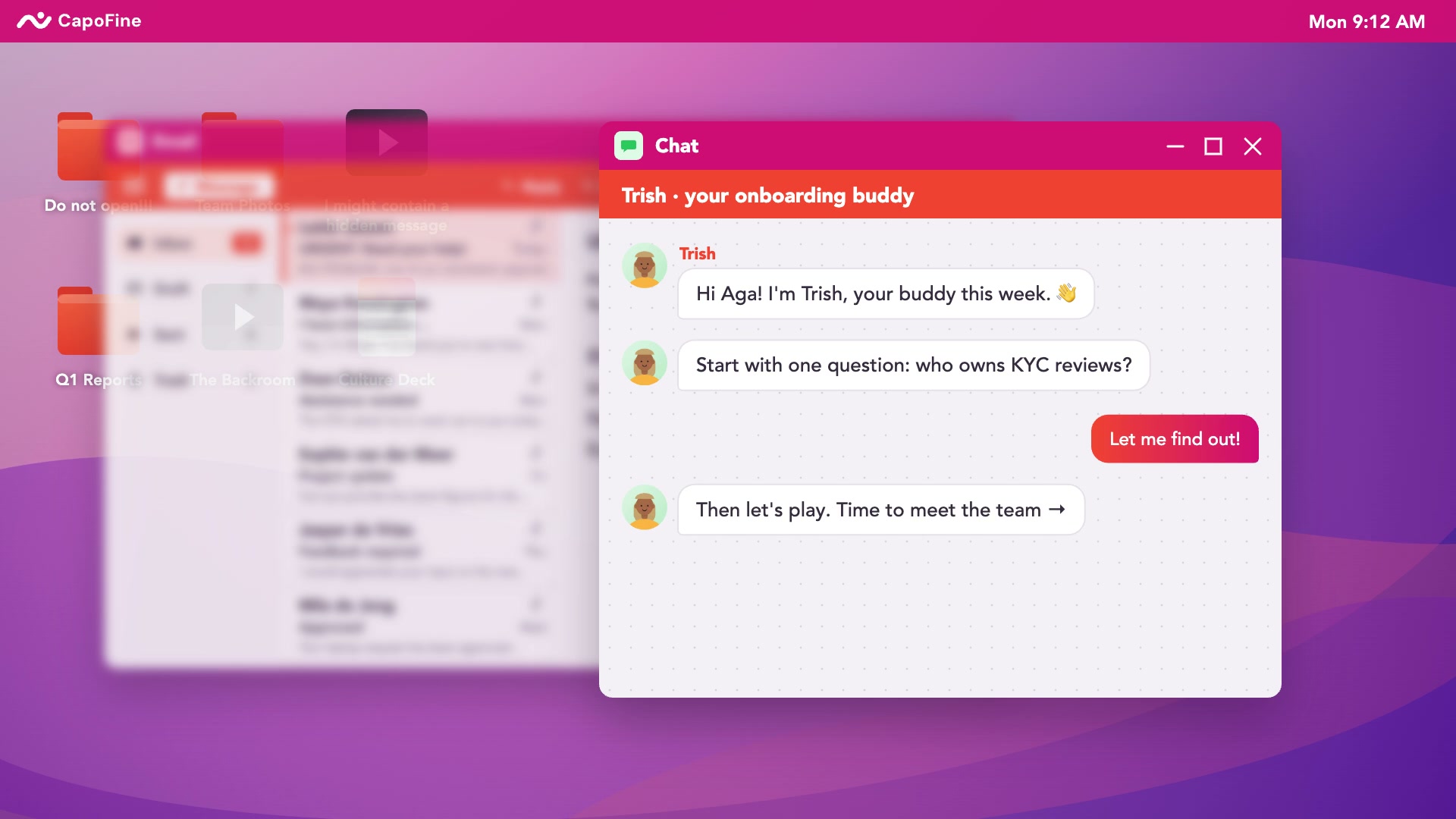
When the laptop arrives, the employee still needs to meet their team, understand the company and know what the manager expects. Onboard turns those needs into a visible journey. Schedule introductions, match a buddy and use company stories and puzzles to make the first weeks active.

Put practical preparation in that journey too. Assign tasks to IT, HR and other owners, with deadlines and status that make responsibilities visible. Managers can approve early goals and follow progress. Device provisioning and application access stay with your IT tools, while Onboard coordinates the people waiting on that work.

  • Give employees meetings, tasks and goals to follow.
  • Track IT preparation with a named owner.
  • Help new hires discover colleagues and company knowledge.
Explore CapoFine Onboard
Sophie de Vries sitting behind her laptop.

Connect the hiring process to a prepared welcome

Hire gives recruiters a place to manage vacancies, candidates, communication and interviews. Keep interview feedback with the candidate record, generate documents and support provider-based digital signing. Those capabilities give the team a recruitment process that leads into the same Suite as the employee welcome.

After hiring, an automatic handoff starts the Onboard journey. Assign the manager's first meeting, the buddy introduction and practical preparation to the people responsible. If Rippling or another platform continues to handle HR or IT administration, agree the connection and retain clear ownership of employee data, accounts and devices.

  • Manage candidate pipelines and interview feedback.
  • Generate documents and use provider-based digital signing.
  • Connect the hired candidate with their onboarding journey.
Explore CapoFine Hire
CapoFine Hire product preview

Keep role learning visible after setup is complete

Getting access to a tool is different from learning how your company uses it. Grow supports the courses and pathways employees need for their role, from internal processes to product knowledge. Assign learning to the relevant audience and let employees follow their progress as they complete the work.

Formal assessments provide a way to check understanding, with pass scores, retries and completion certificates. Points and badges can support participation across ongoing learning. Connect Onboard events to Grow assignments so a new hire can move from the practical welcome into the courses needed for their next responsibilities.

  • Create learning around the work employees perform.
  • Check understanding with assessments and retries.
  • Connect the welcome to continuing course assignments.
Explore CapoFine Grow
Sophie de Vries attending a presentation with colleagues.

CapoFine vs Rippling

Ten key features to compare when choosing your Rippling alternative.

Full Suite scope
Ten key features compared. CapoFine appears first, followed by Rippling.
What matters to your teamCapoFineHire · Onboard · GrowRipplingProduct offering
Onboarding workflow tasksIncluded

Assign employee and stakeholder tasks with owners, deadlines and reminders.

By plan or module

Workflow Studio builds onboarding sequences, routing and actions.

Role and location rulesIncluded

Target journeys by role, team, department and location.

By plan or module

Workflows use employee attributes including role, location and tenure.

IT preparationIncluded

Track IT-owned preparation tasks; provisioning stays with your IT tools.

By plan or module

IT products handle device and application setup.

Manager meetingsIncluded

Schedule check-ins and introductions as journey activities.

By plan or module

Performance Management includes one-to-ones and action tracking.

Early employee goalsIncluded

Create manager-approved 30, 60 and 90 day goals.

By plan or module

Performance Management assigns and tracks employee goals.

Interactive company learningIncluded

Stories, seven puzzle types and missions in Onboard.

By plan or module

LMS course builder supports media, quizzes and case studies.

Learning progressIncluded

Track company-learning activities in Onboard and course completion in Grow.

By plan or module

LMS tracks completions, overdue training and team progress.

Candidate pipelinesIncluded

Hire manages vacancies, candidate communication, interviews and feedback.

By plan or module

Recruiting manages candidates, communication and hiring workflows.

Ongoing course deliveryIncluded

Grow provides pathways, audience assignment, formal assessments and completion certificates.

By plan or module

LMS offers custom courses, automated assignment and a content library.

Documents and signingIncluded

Hire generates documents and supports provider-based SES/AdES signing.

Available

HRIS stores documents, collects signatures and records audit trails.

What can your team do with each?

Look beyond the feature names. Compare the work you want to bring together.

Rippling

Rippling fits teams buying HR administration and technical setup together. Its wider product range includes recruiting, learning and performance management, with device and app setup through IT products.

  • Your purchase combines HR administration with device management.
  • You want application access and technical provisioning in the platform.
  • You are selecting a wider collection of HR, payroll and IT products.
Onboard1:52 film

Give new hires a clear start.

See how activities, buddies and company learning guide new hires through their first 90 days.

Watch video
Play Onboard overview

Compare the whole cost.

Rippling prices selected products mainly per employee per month. Some products carry a base fee, and HR, IT, recruiting and learning choices affect the quote.

Your CapoFine package

Choose Hire, Onboard or Grow for the work you need today, or bring them together in the Suite. Your proposal covers capacity, migration, implementation and any optional services.

See CapoFine pricing

Ready to switch
to CapoFine?

Begin by separating employee activities from technical actions. Rippling can own devices, accounts and HR administration, so replacing the welcome does not mean moving every process. Decide which responsibilities stay there, then build the meetings, company content, tasks and learning you want CapoFine to manage.

Plan your move with usExplore security and data handling
  1. Separate technical actions from journey tasks

    Map the current onboarding workflow and identify what actually provisions a device or account. Keep those actions assigned to the responsible IT systems. Record the preparation tasks, employee messages and manager responsibilities that need to appear in the CapoFine journey.

  2. Build the people and learning journey

    Create the introductions, buddy activities, company stories and early goals in Onboard. Add preparation tasks with the correct owners and the Grow learning employees need. Check the employee view alongside the views used by the manager and HR coordinator.

  3. Check changes and incomplete preparation

    Walk through a changed start date, an overdue IT task and a new hire who needs help. Check that each action has a responsible owner. Preserve the required historical records and agree any data connections before moving the next employee intake.

Bring these to your demo

  • A workflow map separating provisioning from human tasks.
  • IT and HR system owners and required data connections.
  • Company content, manager goals and learning materials.

More about CapoFine vs Rippling

Does CapoFine provision laptops or application accounts?

No. Onboard assigns and tracks IT preparation tasks. Device management and account provisioning stay with your IT systems and owners, while the employee journey shows the related responsibilities.

Can we keep Rippling for HR or IT?

Yes. Keep the processes you need there and define an integration for the information CapoFine requires. Agree employee data ownership, task responsibilities and what should happen when a start date or role changes.

Can hiring trigger the onboarding journey?

Yes. Hire manages recruitment and connects the hiring outcome to Onboard through the Suite handoff. Managers, buddies and other stakeholders can then follow their activities in the employee journey.

Does the Suite include documents and digital signing?

Hire supports document generation and provider-based SES or AdES digital signing. Include your required document types, signers and provider arrangements in the implementation discussion.

How should we compare costs with Rippling?

Compare the products and responsibilities in each offer. Rippling prices selected HR, IT and other products, mainly per employee with some base fees. Include the cost of any payroll, HRIS or IT systems you intend to retain alongside CapoFine.

Sophie de Vries walking through the office with coffee.

Come see what your team could do with CapoFine.

Bring a vacancy, a new starter or a learning challenge. We’ll show you how it works.

Book a demo